


NETWORKING DEVICES
Updated: Jan 19

1. NIC (Network Interface Card)
A NIC is a hardware component installed in a computer that allows it to connect to a network. It acts as the intermediary between the computer and the network medium (cables or Wi-Fi).
MAC Address: Every NIC has a unique, permanent 48-bit serial number called a MAC address, used for identification on the network.
Types: There are wired NICs (using Ethernet cables) and wireless NICs (using radio frequencies/Wi-Fi).
Function: It converts the computer's digital data into electrical or optical signals for transmission and vice versa.
2. Hub
A Hub is a basic networking device used to connect multiple devices in a local network segment.
Layer 1 Device: It operates at the Physical Layer (Layer 1) of the OSI model.
Broadcasting: When a hub receives data, it "broadcasts" it by sending the same signal to all connected ports, regardless of the intended destination.
Inefficiency: Because it cannot manage traffic, it often leads to network congestion and data collisions.
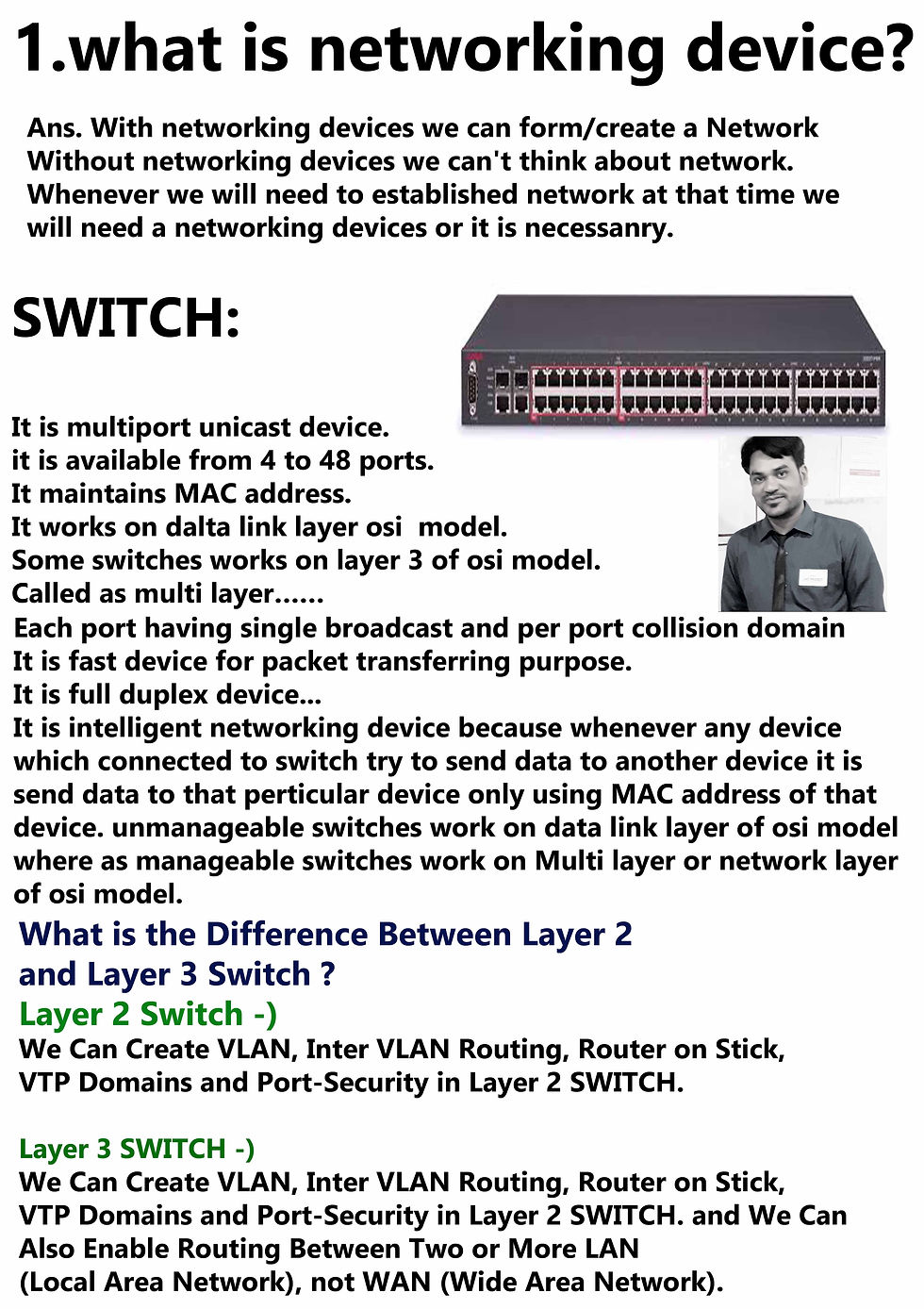
3. Switch
A Switch is a more "intelligent" version of a hub.
Layer 2 Device: It operates at the Data Link Layer (Layer 2) and makes decisions based on MAC addresses.
Unicasting: Unlike a hub, a switch learns which device is connected to which port and sends data only to the specific intended recipient.
Full Duplex: It allows devices to send and receive data simultaneously, which increases network speed.
4. Repeater
A Repeater is used to regenerate or replicate a signal to extend the distance it can travel.
Signal Boosting: As electrical signals travel through cables, they lose strength (attenuation). A repeater receives a weak signal, cleans it, and retransmits it at its original strength.
Modern Use: Today, dedicated repeaters are less common because many hubs, switches, and routers have "active" repeating functions built-in.
5. Router
A Router connects two or more different networks (e.g., your home LAN and the Internet).
Layer 3 Device: It operates at the Network Layer (Layer 3) using IP addresses to route data.
Traffic Management: It maintains a "routing table" to determine the best path for data packets to reach their destination.
Security: Routers often include firewall features to filter unauthorized traffic.
6. Modem
The term Modem stands for Modulator-Demodulator.
Signal Conversion: It converts digital signals from your computer into analog signals that can travel over telephone or cable lines, and vice versa.
Internet Access: While a router connects your devices together, the modem is what actually provides the link to your Internet Service Provider (ISP).
7. Bridge
A Bridge is used to connect and filter traffic between two separate network segments.
Segmentation: It helps reduce traffic congestion by dividing a large network into smaller, more manageable sections.
Filtering: It checks the destination MAC address to decide whether to pass a packet to the next segment or keep it within the local one.
8. Gateway
A Gateway is a "translator" that connects two networks using completely different protocols or architectures.
Protocol Conversion: For example, it can connect a corporate network using one communication standard to the internet which uses another.
Entry/Exit Point: It acts as the primary gatekeeper for data leaving or entering a network.
Combined Devices: In many homes, the "router" provided by an ISP is actually a Gateway because it combines the functions of a modem, router, and switch into one box.


Comments